Tired of resizing
your ad content?
Take one format. Get all of them in seconds. It works out where your content belongs on each new canvas — it doesn't just stretch it.
Get it — $29Three shops, three designs. Each one was drawn once, on a 1080 × 1350 artboard, and then generated onto five canvases. The badge under every tile is the word the tool itself reports.
kilncoffee roasterfive canvases, swipe
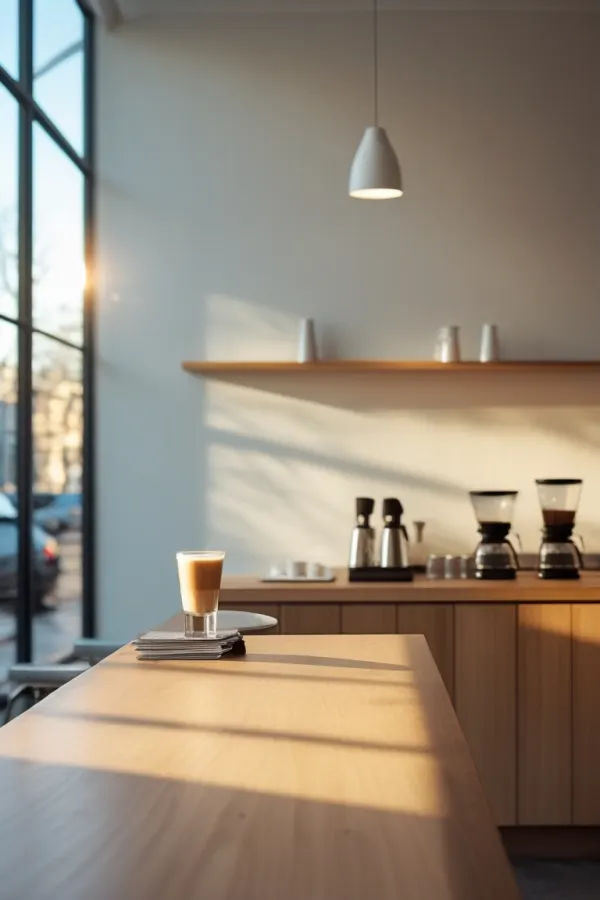
kiln
two for one,
before nine
weekdays, 7 to 9am
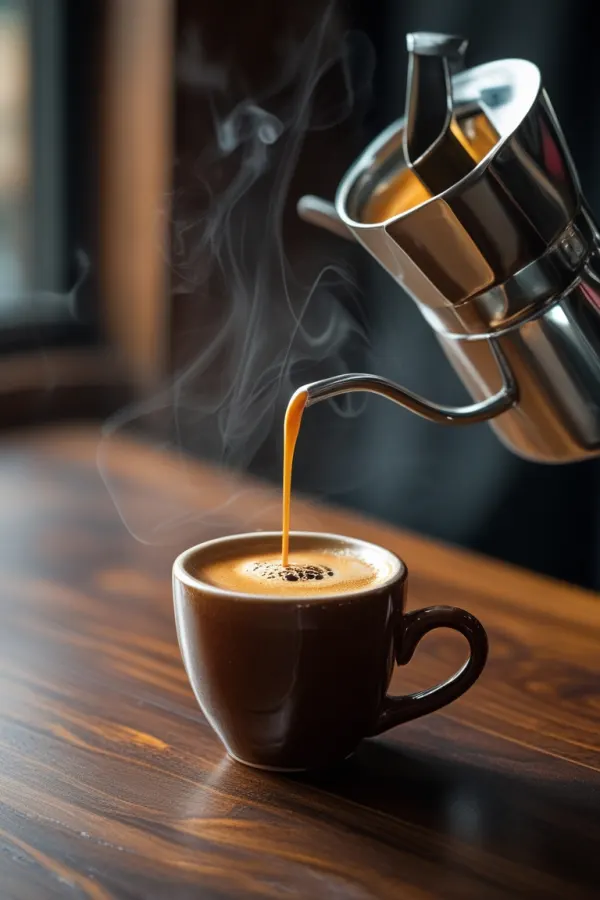
kiln.coffee two for one, before nine. every weekday.
kiln
two for one,
before nine
weekdays, 7 to 9am
kiln.coffee two for one, before nine. every weekday.
kiln
two for one,
before nine
weekdays, 7 to 9am
kiln
two for one,
before nine
weekdays, 7 to 9am
kiln
two for one,
before nine
weekdays, 7 to 9am
LANTERNlive music venuefive canvases, swipe
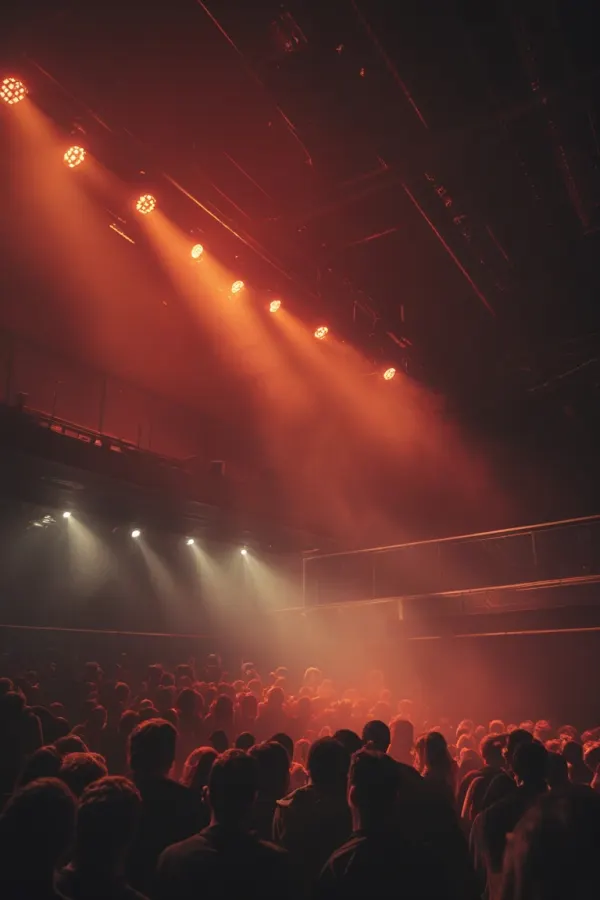
LANTERN
SAULT
FRI 14 NOV
DOORS 8PM
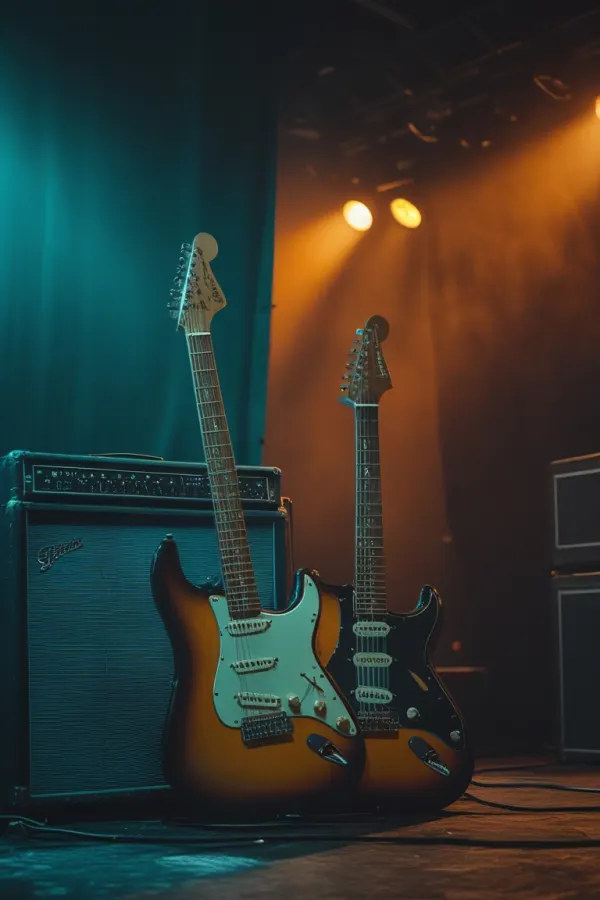
lanternlive SAULT, live. Fri 14 Nov, doors 8pm.
LANTERN
SAULT
FRI 14 NOV
DOORS 8PM
lanternlive SAULT, live. Fri 14 Nov, doors 8pm.
LANTERN
SAULT
FRI 14 NOV
DOORS 8PM
LANTERN
SAULT
FRI 14 NOV
DOORS 8PM
LANTERN
SAULT
FRI 14 NOV
DOORS 8PM
fern & clayplants and homewarefive canvases, swipe
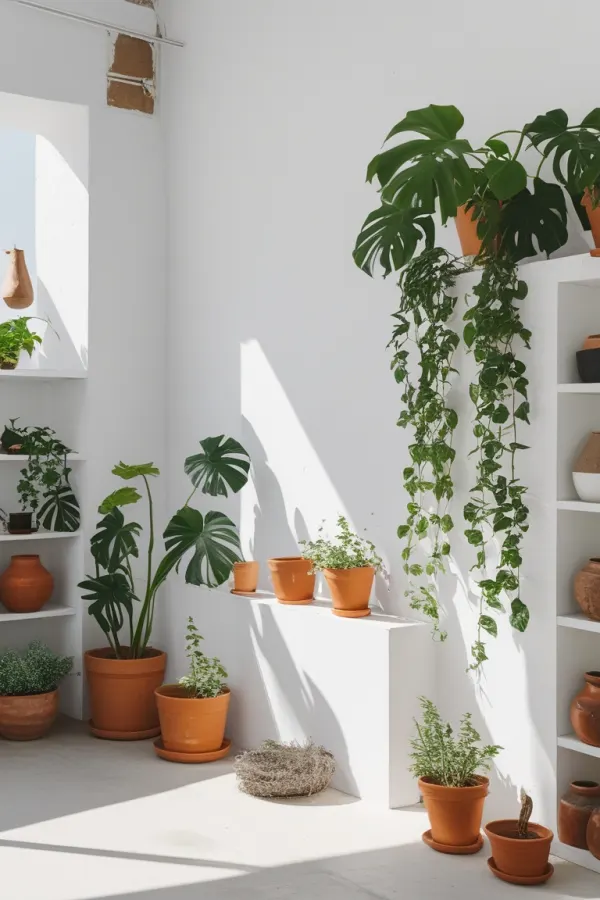
fern & clay
spring restock,
20% off pots
in store from saturday
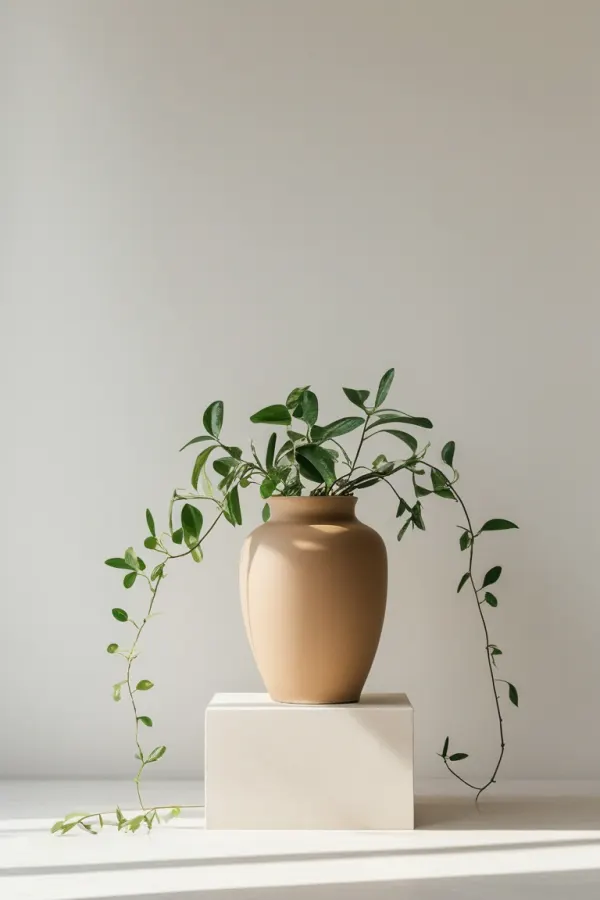
fernandclay spring restock is in. 20% off every pot.
fern & clay
spring restock,
20% off pots
in store from saturday
fernandclay spring restock is in. 20% off every pot.
fern & clay
spring restock,
20% off pots
in store from saturday
fern & clay
spring restock,
20% off pots
in store from saturday
fern & clay
spring restock,
20% off pots
in store from saturday
Instagram post, square and story. Presentation slide, TV screen, roller banner, A3 poster, and any size you add.
OK The post, the square and the story are all 1080 wide. Your horizontal geometry survives intact, so the tool only has to decide where the content sits on the new height. On the story it also draws the safe zones and stamps your logo clear of them.
CHECK A slide and a banner are a different width. No tool can hold your geometry across that, so this one scales the whole design to fit, centres it, and tells you. Treat it as a starting point, not a layout. A free script scales everything and says nothing.
Instagram is a trademark of Meta Platforms, Inc. These mockups are not affiliated with, or endorsed by, Meta.